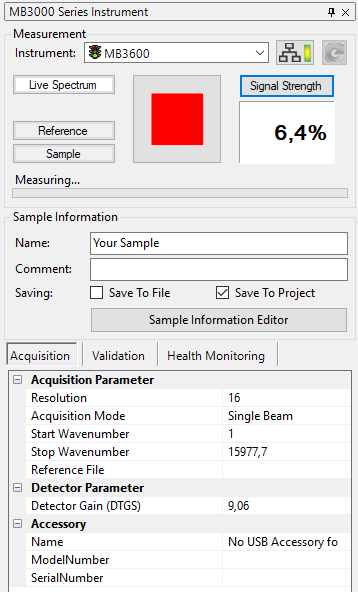
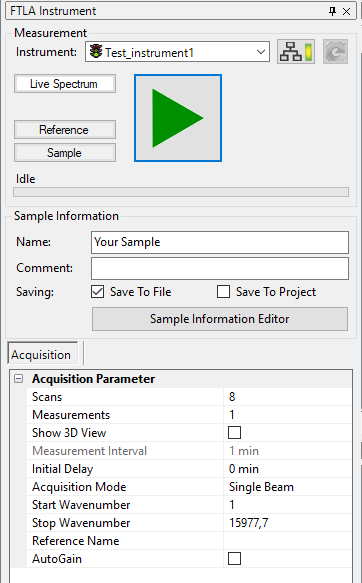
Live Spectrum Measurement
The Live Spectrum Mode of the spectrometer is used for online monitoring and gain adjustment. Subsequent measurements are carried out and data is transferred to the software in real time. This mode is used to adjust and calibrate the instrument. Follow the steps below to use the align mode:
-
Place a sample into the sample compartment if required. (Optional)
-
Setup the measurement parameters (see Spectrum Measurement).
-
Click the Live Spectrum button in the Instrument Tab or select the command Live Spectrum in the Instrument Menu.
-
Click the Stop button to stop online monitoring or click on the Measure or Reference button to directly commence with a measurement.
Details of the current live spectrum acquisition are displayed in the status-bar:

The acquisition parameters are reduced to a relevant set while measuring. All parameters can be changed during runtime of the measurement. Changes will take effect immediately.